




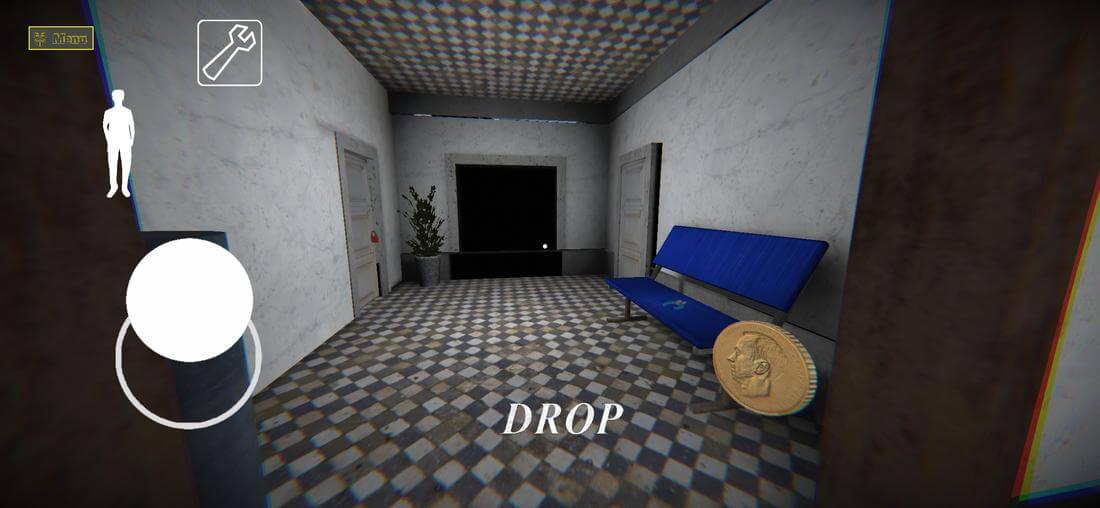
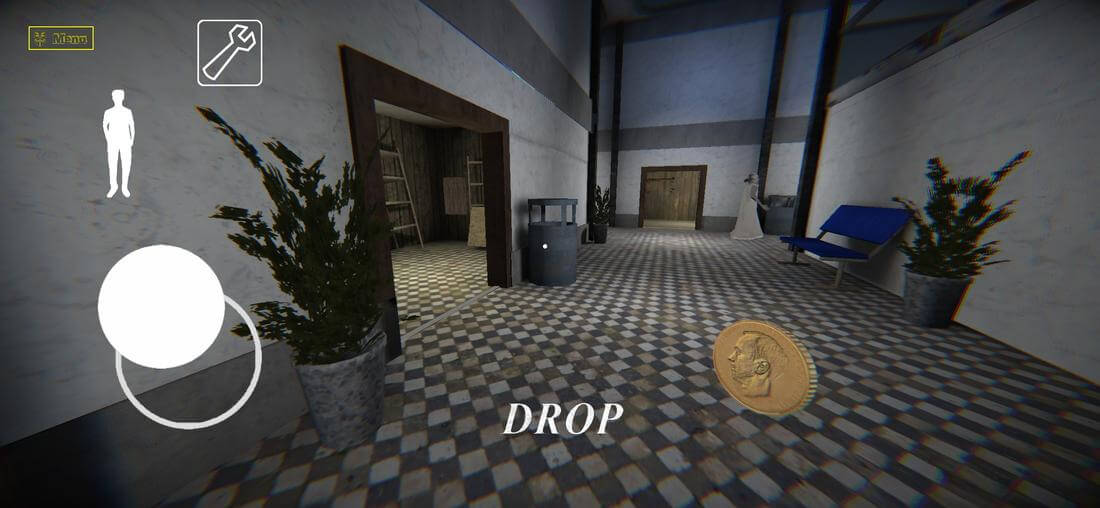
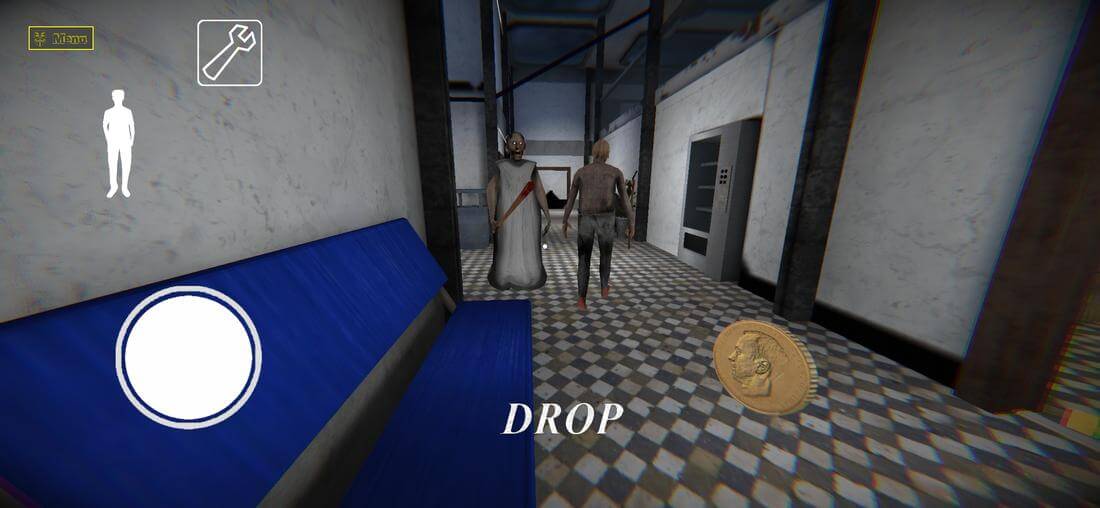
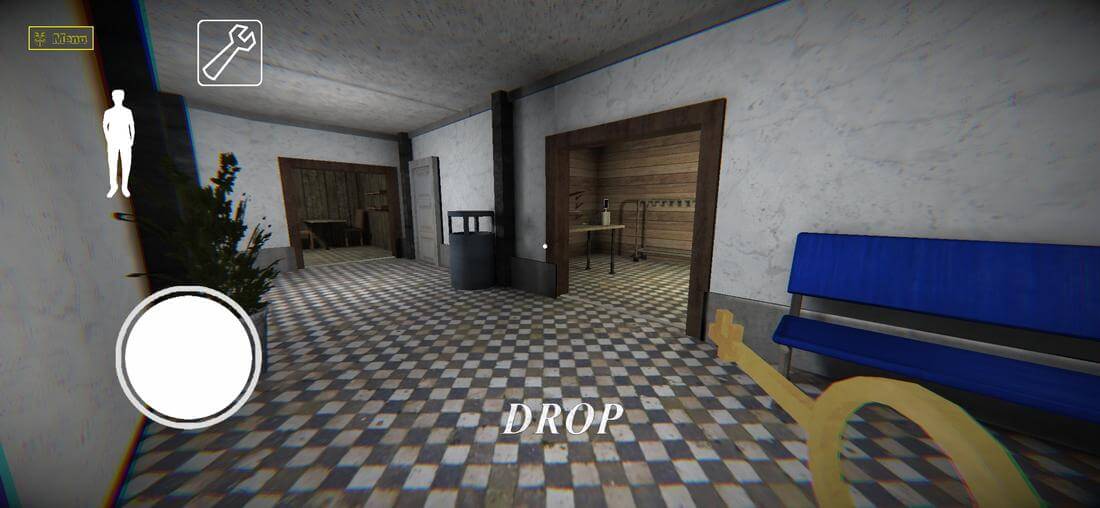
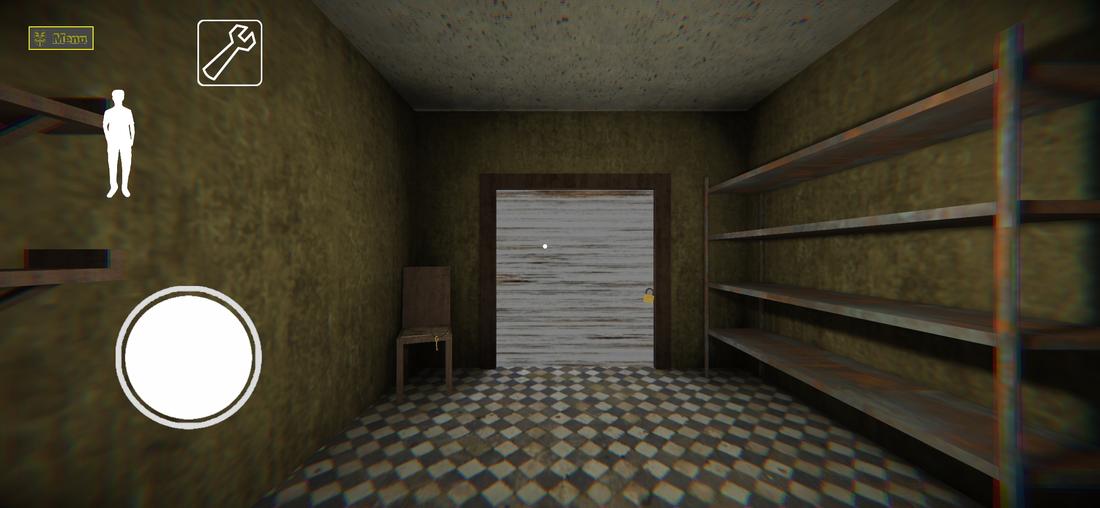
Granny The Mall Mod is a first-person survival horror game where players must escape an abandoned mall within five in-game days while avoiding a family of stalkers, including Granny, Slendrina, and Slenderman. It is designed for horror enthusiasts who enjoy stealth mechanics, environmental puzzles, and high-pressure escape scenarios.
What This Mod Unlocks
- Enemy AI is disabled: enemies cannot see, follow, or catch the player, even when hiding.
- Slendrina's attack sequence is completely neutralized.
- All locked doors are permanently unlocked from the start.
- Item auto-pickup is enabled, and collected items persist after player death.
- Jumpscare animations and camera shake effects are removed.
- Player movement speed and gravity can be modified via sliders (SpeedHack 1-999).
- Visual overlays (Color Chams, Wireframe, Glow, Outline, Rainbow) are applied to game models with adjustable RGB and width parameters.
The mod features are accessed through a floating mod menu injected into the game's interface. The menu appears as a semi-transparent button on the screen after the game loads.
Granny The Mall Mod requires Android 5.1 or higher and approximately 110 MB of storage for the APK and game data. Root access is not required for installation or mod functionality.
Installation steps: 1. Download the mod APK file. 2. Enable "Install from Unknown Sources" in Android settings. 3. Open the downloaded file and follow the on-screen prompts. 4. Launch Granny The Mall Mod and tap the floating mod menu icon to configure cheats.
Known edge cases: The mod menu may not render correctly on some devices with custom ROMs. Visual chams can cause minor graphical artifacts in certain mall areas. Disabling all enemy AI may prevent some scripted events from triggering correctly, potentially affecting progression. The mod is designed for offline, single-player use.
